
Spelling and vocabulary games are the word games that make you better at words. Some drill the word lists you need for a spelling bee. Some teach you new words. Some just pay you for knowing a rare one. If you'd rather rearrange letters than define them, our roundups of letter rearrangement games and classic word games cover those angles.
Nobody pays to be on this list, and we earn nothing when you click through to a game. Read how we choose and review games.
1. NYT Spelling Bee
Developer: The New York Times | Released: Print 2014; digital 2018
Platforms: Web, iOS, Android (NYT Games app)
Difficulty: Moderate to hard | Price: NYT Games subscription
Where to play: Website · App Store · Google Play
Seven letters in a honeycomb, one mandatory center letter. Find as many words as possible to reach Genius rank. The pangram hunt, finding a word that uses all seven letters, is one of the best moments in daily puzzle gaming. The subscriber-only model hasn't dented its following.
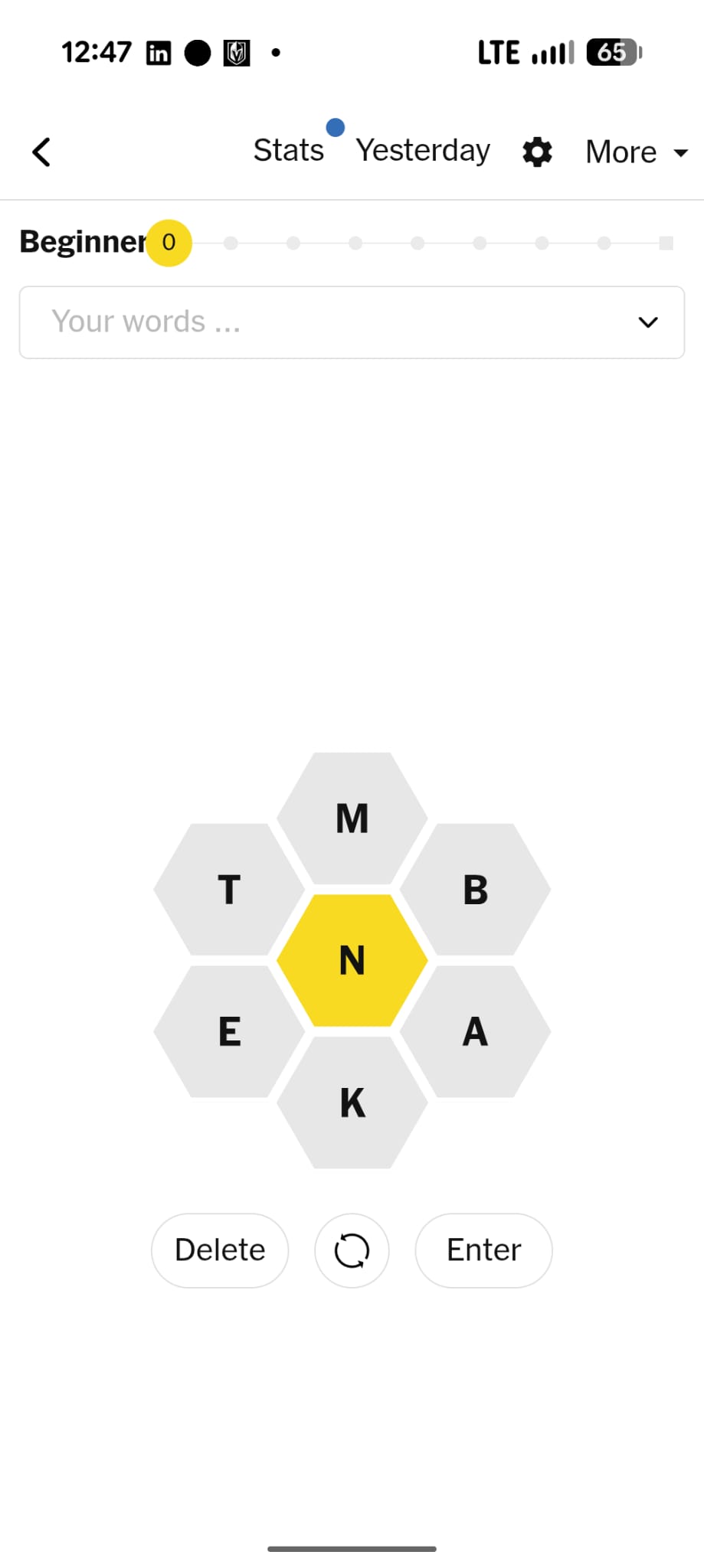
Screenshot: NYT Spelling Bee, The New York Times.
2. Elevate
Developer: The Mind Company | Released: 2014
Platforms: iOS, Android
Difficulty: Adaptive | Price: Free (limited); Pro ~$4.99/month
Where to play: App Store · Google Play
A brain training app that takes language seriously. Reading comprehension, writing clarity, speaking precision, and vocabulary games built around communication at work. Apple's App of the Year 2014. The vocabulary modules target word roots, context clues, and usage, skills that carry over into real life. The same prefixes and suffixes that build words pay off in Scrabble and Spelling Bee too.
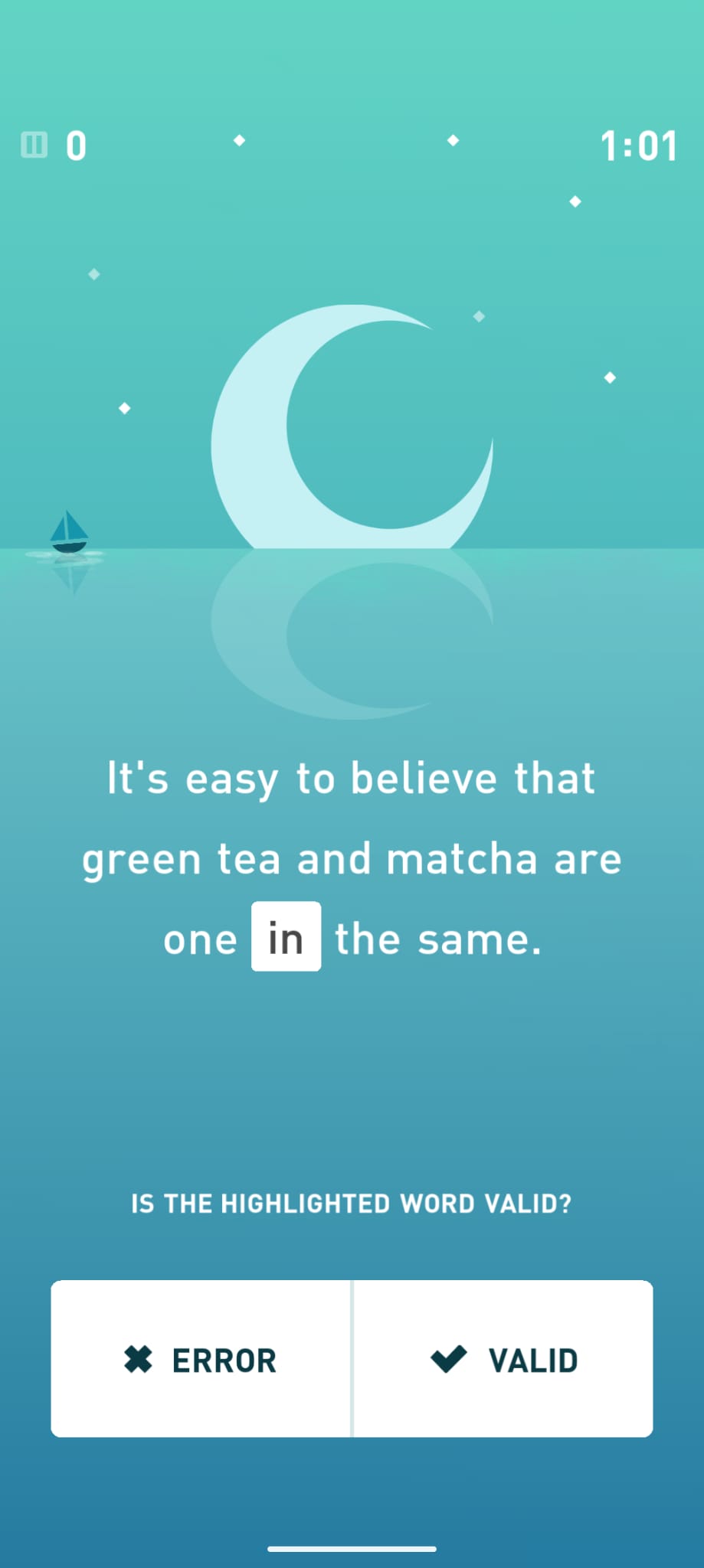
Screenshot: Elevate, The Mind Company.
3. Spelling Bee (Physical Competition Format)
Developer: Scripps National Spelling Bee / Various apps
Platforms: iOS, Android (multiple spelling bee practice apps)
Difficulty: Easy to extremely hard | Price: Free to $9.99
Where to play: Website
Spelling bee practice apps let you drill words from official competition lists. The Scripps National Spelling Bee has been running since 1925 and is broadcast on ESPN. Apps like "Spelling Bee Prep" and "SpellPundit" offer structured practice from easy words through championship-level vocabulary.
Pop culture: The documentary "Spellbound" (2002) and the musical "The 25th Annual Putnam County Spelling Bee" (2005) brought competitive spelling into mainstream entertainment.
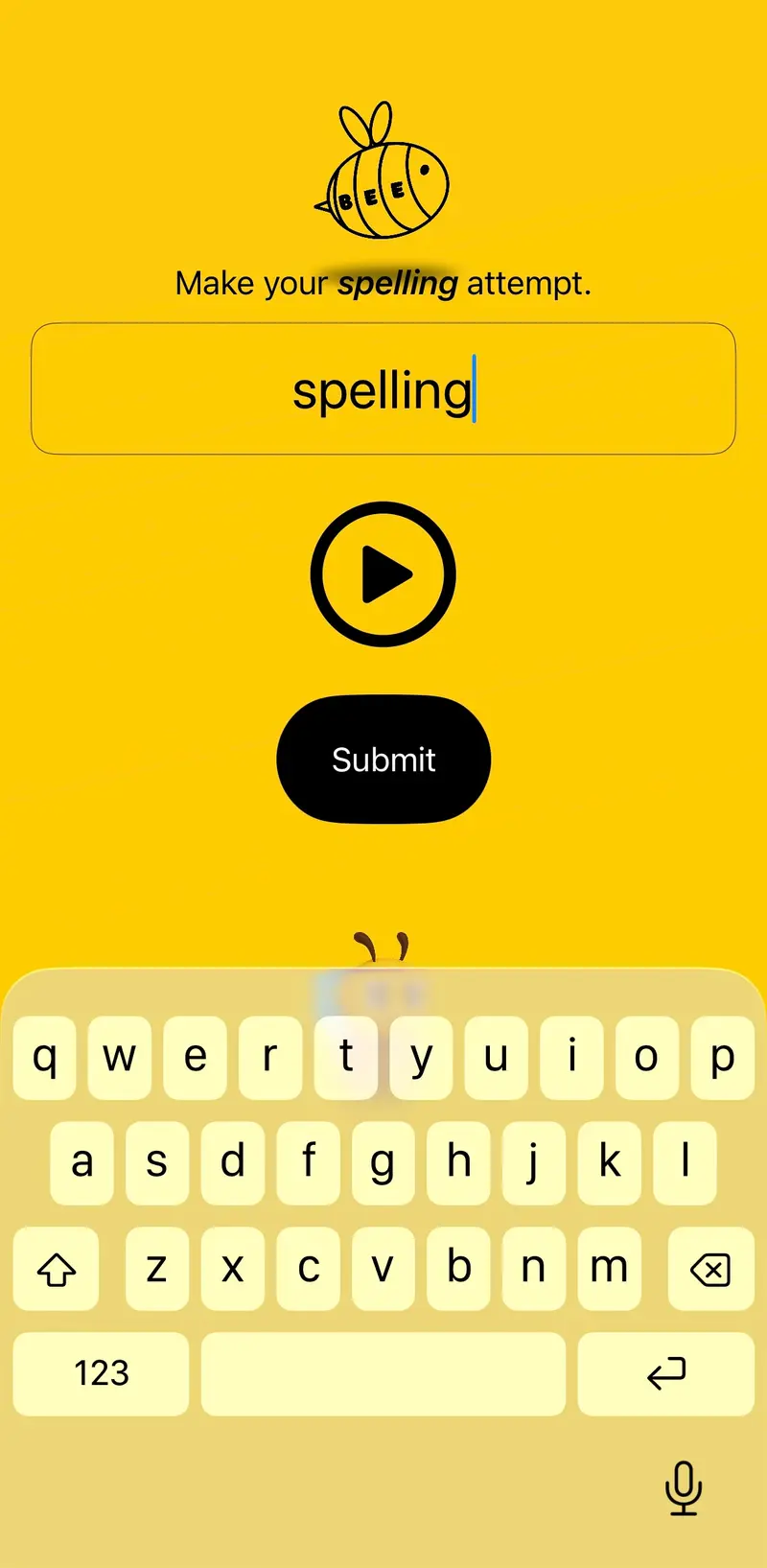
Screenshot: a spelling practice app.
4. Vocabulary.com
Developer: Vocabulary.com (Thinkmap) | Released: 2012
Platforms: Web, iOS, Android
Difficulty: Adaptive | Price: Free (limited); premium for schools
Where to play: Website · App Store · Google Play
A learning site that teaches vocabulary through context and usage rather than memorization. Questions are drawn from real literature and journalism. It tracks which words you know and which you're still learning, and changes the difficulty as you go. Used by schools nationwide.
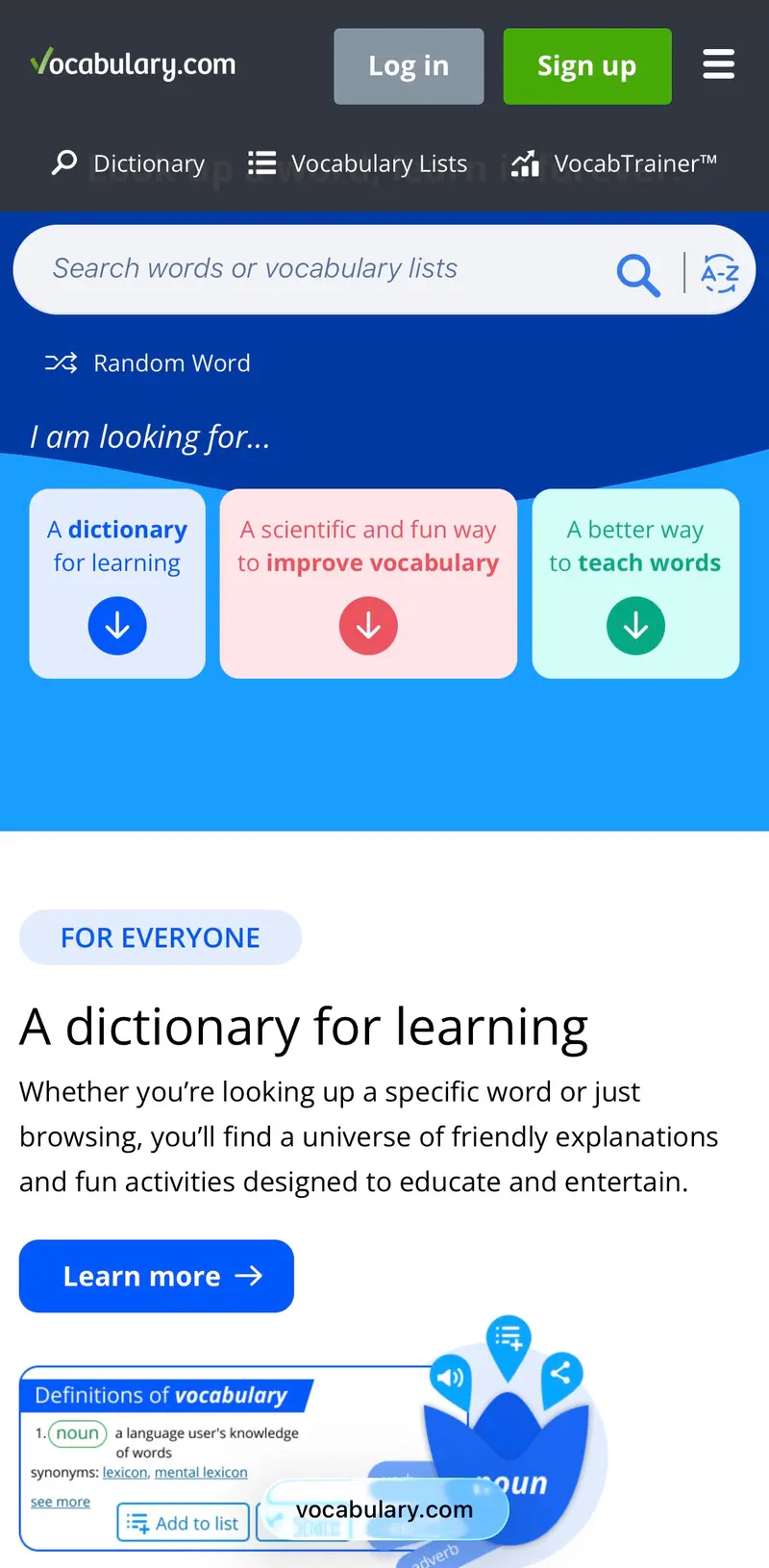
Screenshot: Vocabulary.com.
5. Words With Friends 2
Developer: Zynga | Released: 2017
Platforms: iOS, Android
Difficulty: Medium | Price: Free (ads); premium available
Where to play: App Store · Google Play
Every game of Words With Friends is a vocabulary workout. Playing to win forces you to learn two-letter words, odd but valid short words, and high-value letter placements. You pick the words up while playing friends rather than by sitting down with a list.
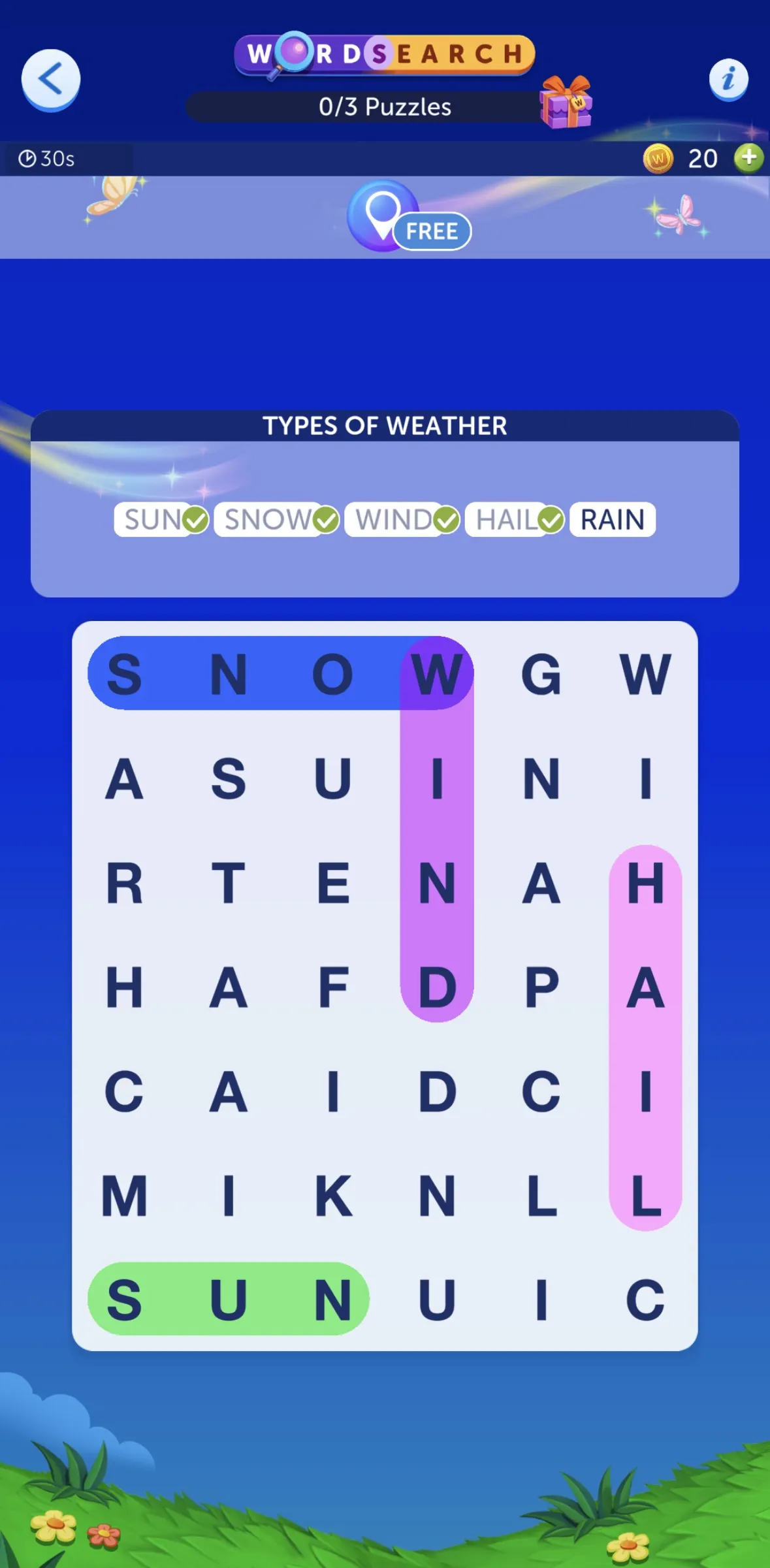
Screenshot: Words With Friends 2, Zynga.
6. Bookworm
Developer: PopCap Games (EA) | Released: 2003
Platforms: PC, Web, mobile (legacy)
Difficulty: Easy to medium | Price: Free on web portals
Connect adjacent letter tiles to spell words. Longer and rarer words score higher. Bookworm was the word game gateway for an entire generation of casual PC gamers in the early 2000s. The character Lex the bookworm became well known. The game pays you for a deep vocabulary: QUIXOTIC scores far more than QUICK.
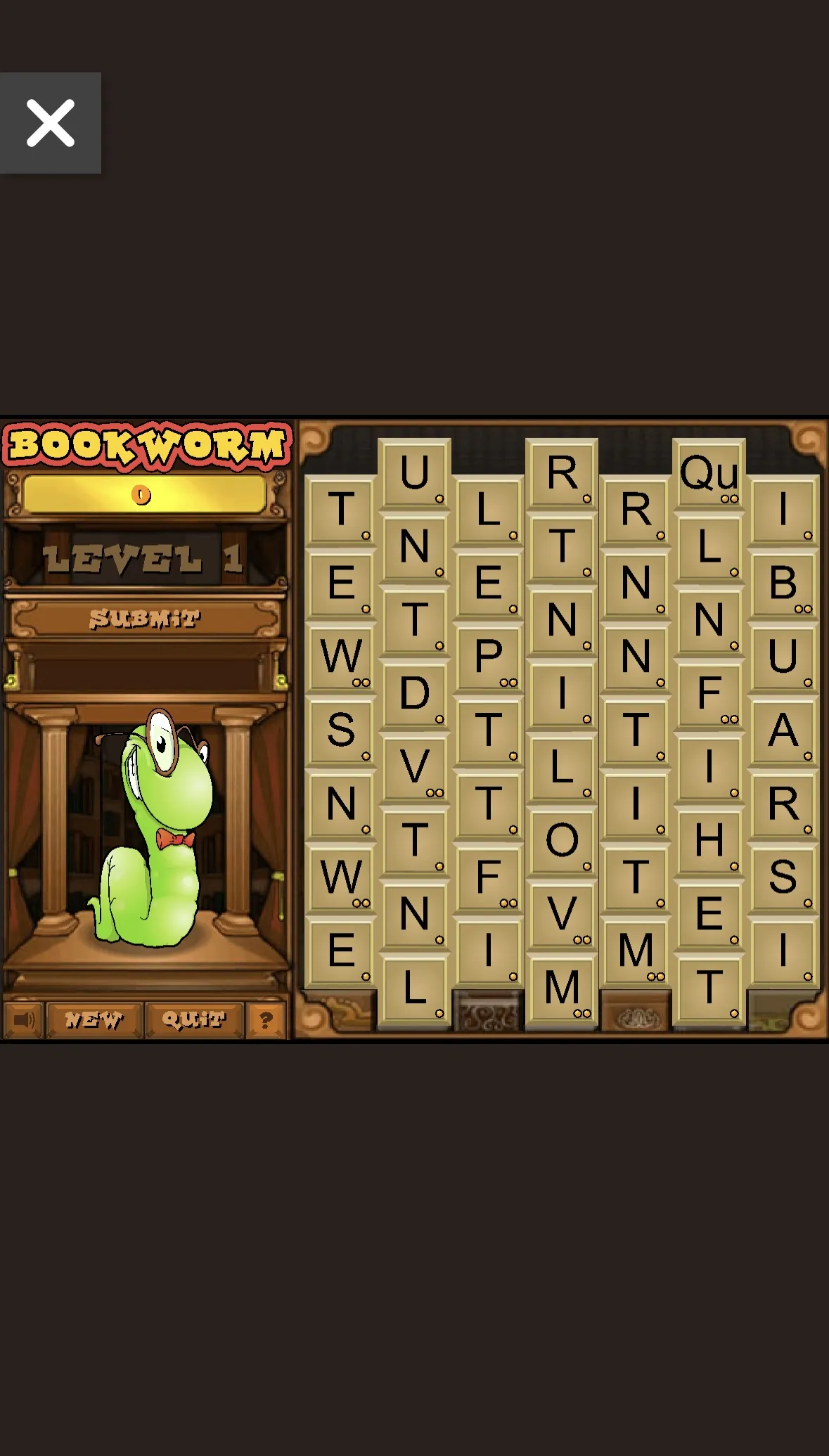
Screenshot: Bookworm, PopCap Games.
7. Merriam-Webster Word Games
Developer: Merriam-Webster | Released: Various
Platforms: Web (merriam-webster.com/games)
Difficulty: Easy to hard | Price: Free
Merriam-Webster hosts a collection of free word games on their website: Quordle, Name That Thing (visual vocabulary quiz), Blossom (letter chain game), and spelling quizzes. Having the dictionary behind the games helps, and "Name That Thing" is hard to stop playing. It tests visual vocabulary most people never think about.
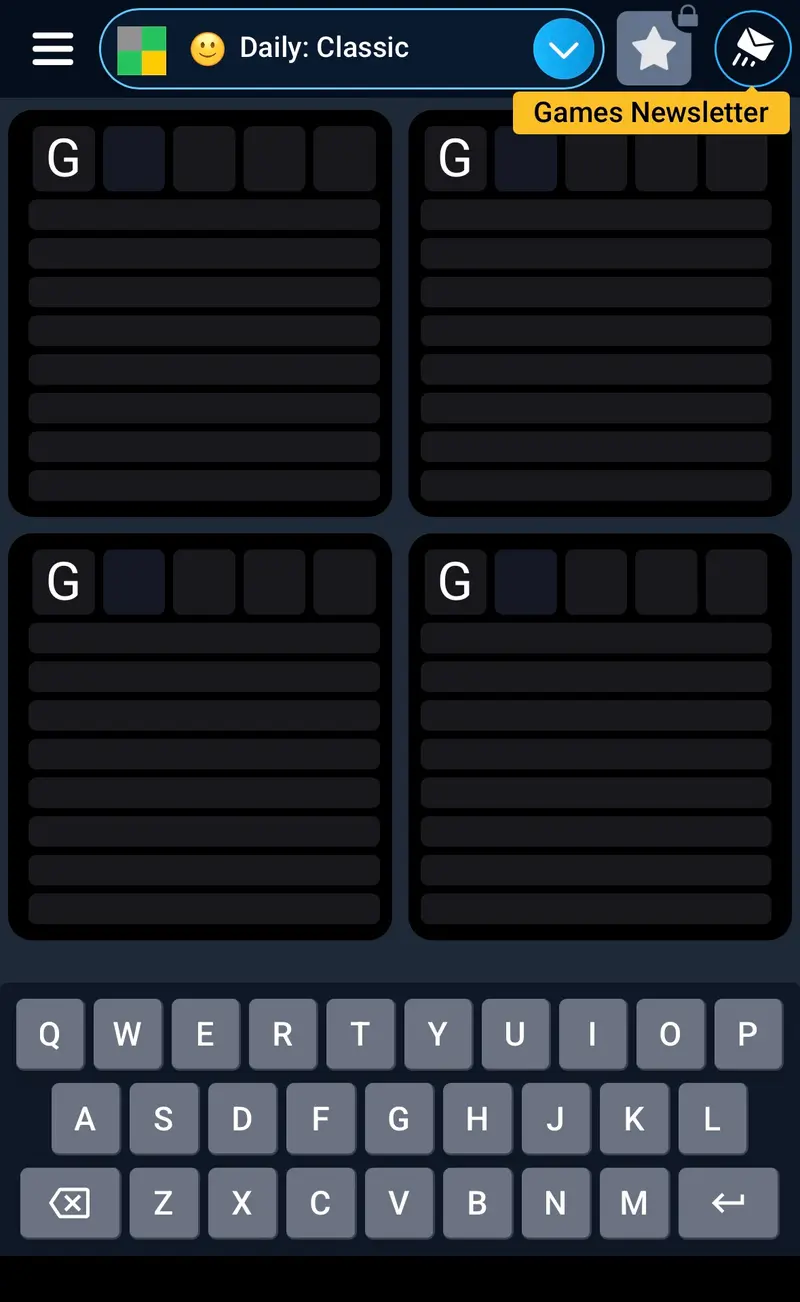
Screenshot: Merriam-Webster Word Games, Merriam-Webster.
8. Typeshift
Developer: Zach Gage | Released: 2017
Platforms: iOS, Android
Difficulty: Light to medium | Price: Free with daily puzzles; paid packs
Where to play: App Store · Google Play
Slide letter columns up and down to form words horizontally. The goal is to use every letter at least once. You build vocabulary by poking at it: words you didn't know existed turn up while you try letter combinations. The New Yorker publishes regular Typeshift puzzles.
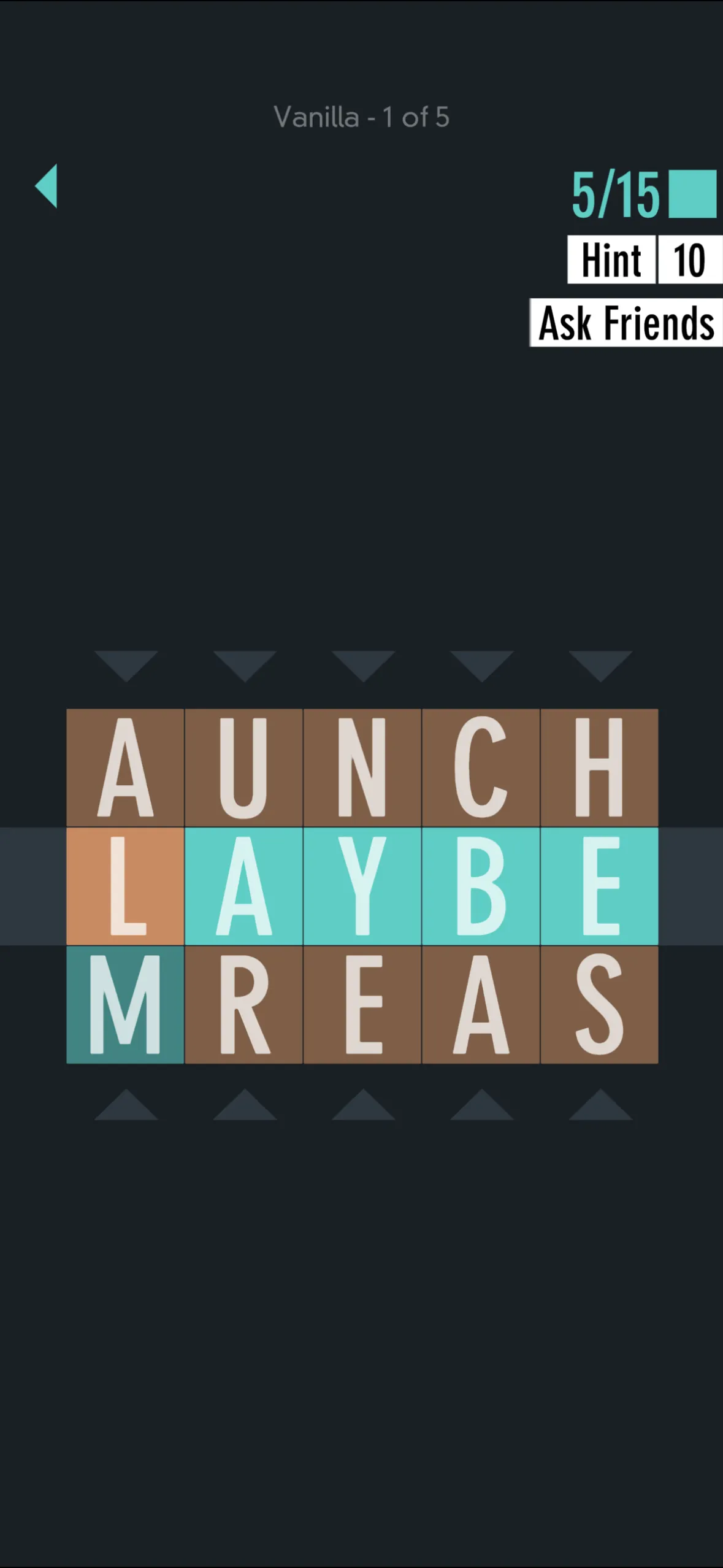
Screenshot: Typeshift, Zach Gage.
9. Word-of-the-Day Apps
Developer: Various word-of-the-day apps | Released: Various
Platforms: iOS, Android
Difficulty: N/A (learning tool) | Price: Free to $4.99
Word-of-the-day apps and vocabulary builders that teach new words through daily notifications, quizzes, and spaced repetition. Apps like "Word of the Day" and "Magoosh Vocabulary" target everything from everyday vocabulary expansion to GRE/SAT prep. The daily format creates a learning habit.
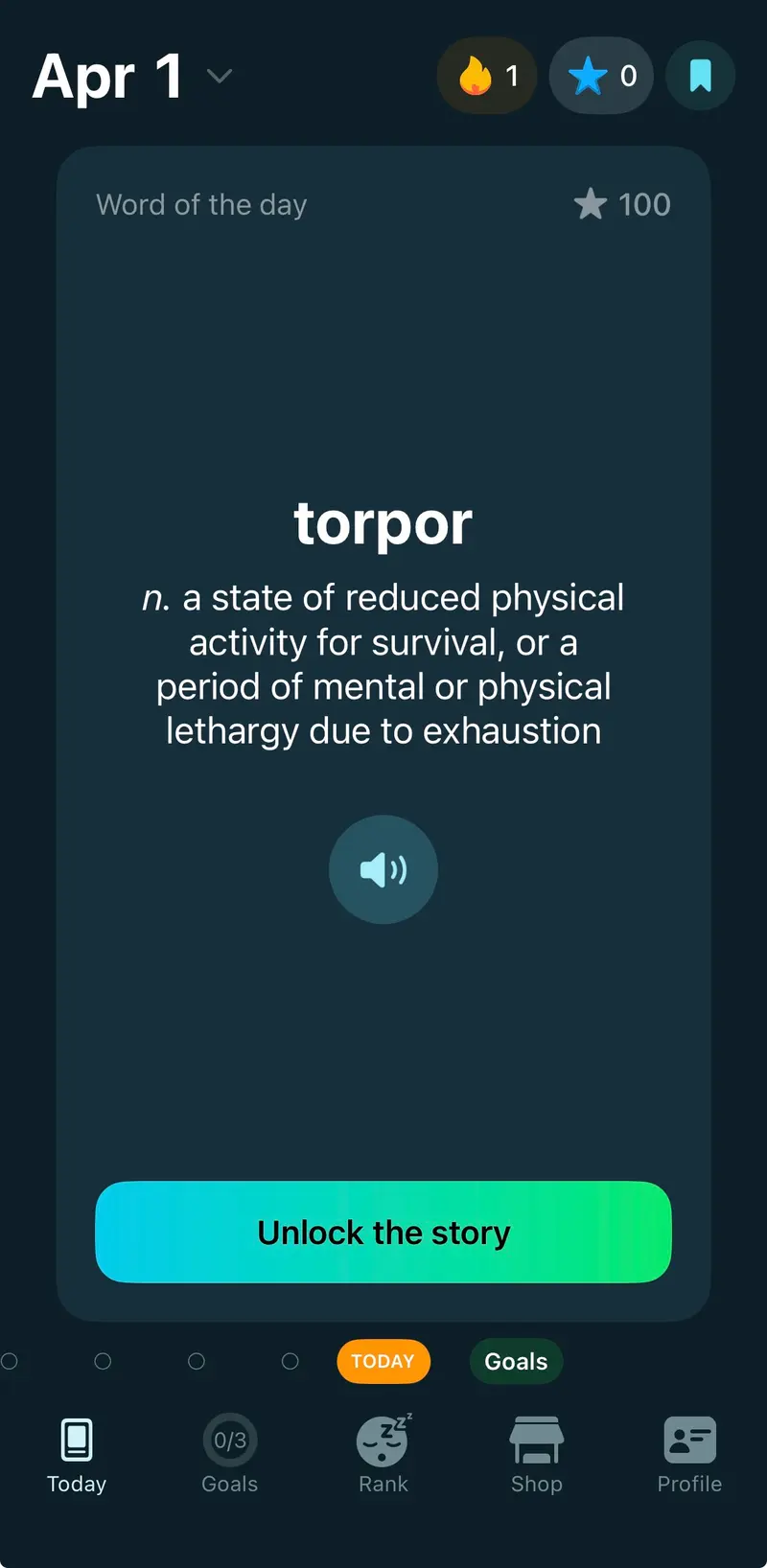
Screenshot: a word-of-the-day app.
10. Pairdle
Developer: Logic Loft Games | Released: 2026
Platforms: Web (logicloftgames.com/pairdle), iOS, Android
Difficulty: Moderate | Price: Free
Where to play: Website · App Store · Google Play
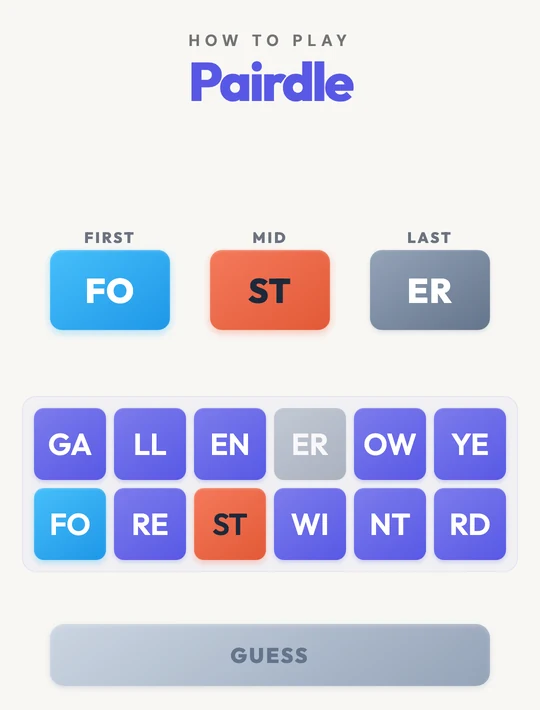
Pairdle comes at vocabulary from a different angle. Instead of testing whether you know a word, it tests whether you can see a word hidden in letter pairs. The board is one row of three boxes (FIRST, MID and LAST) above 12 tiles. The tiles are four real words cut into two-letter pairs: one word is the answer and the other three are decoys. You put three pairs in the boxes to build the six-letter word, and you get six guesses. A blue tile is the right pair in the right box, red means the pair is in the answer but in a different box, and grey means it is not in the answer at all.
There are three levels a day: Pairdle, Pro (eight letters from 16 tiles) and Expert (ten letters from 20 tiles), all free on the web and in the apps, with new puzzles at midnight Pacific. Practice mode gives you as many extra boards as you want, and they don't count toward your stats. Reading in pairs trains you to take words in chunks, which helps reading speed and word recognition. You won't learn new words playing Pairdle, but you'll get much better at spotting the ones you already know.
"This is my new favorite! It was more challenging than expected (in a good way), so that was a great surprise." (KLead4D, App Store)
Quick Guide
| If you want... | Try... |
|---|---|
| Daily vocabulary challenge | NYT Spelling Bee |
| Professional language skills | Elevate |
| Competitive vocabulary building | Words With Friends 2 |
| Learn new words daily | Vocabulary.com |
| Casual word discovery | Typeshift |
| Pattern-based word recognition | Pairdle |
By Jenna Nye, Logic Loft Games
Related articles
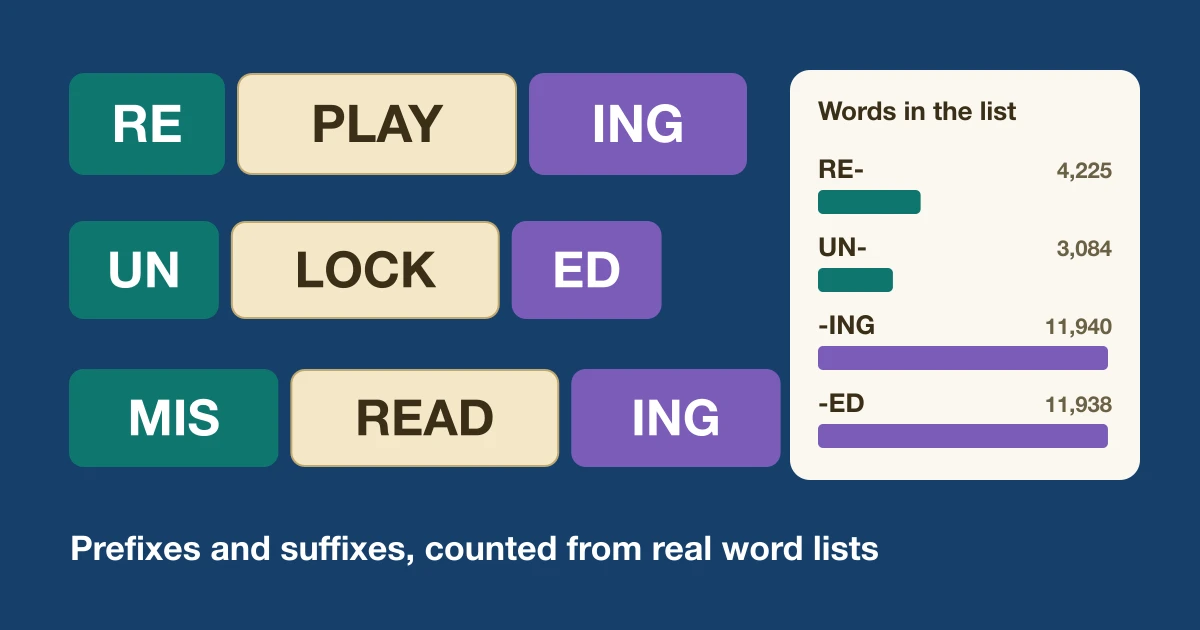
Most Common Prefixes and Suffixes, Counted for Word Games
We counted prefixes and suffixes in a 172,823-word game list and in real Wordle and Pairdle answers. The top 10 of each, and how to use them in play.
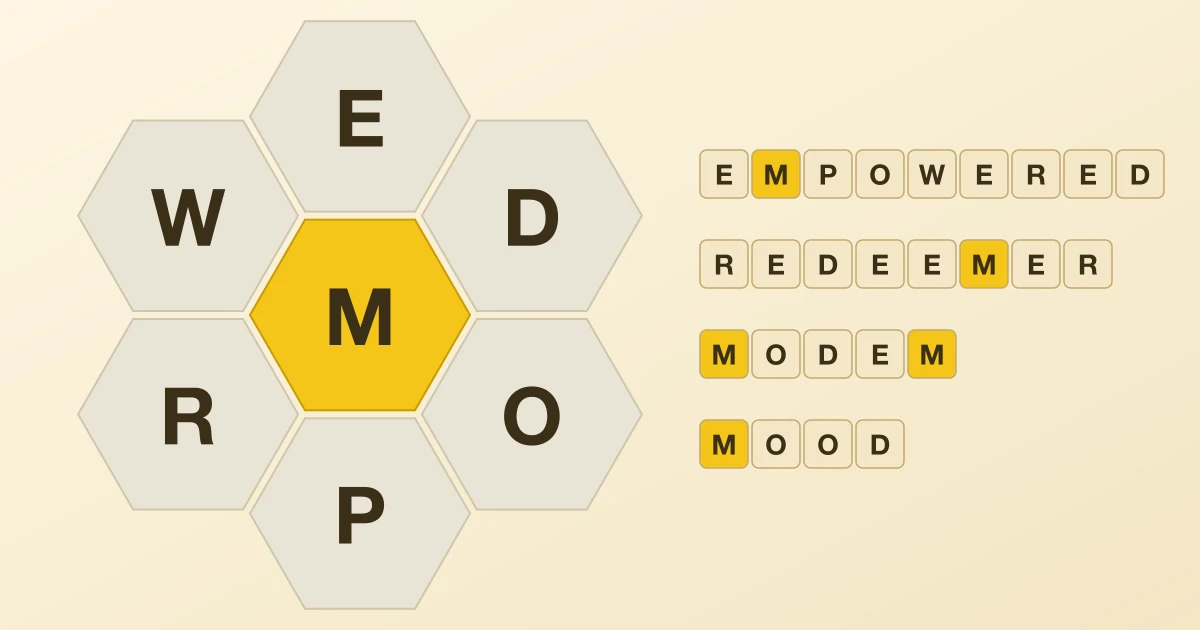
How to Play Spelling Bee: Rules, Scoring and a Worked Puzzle
Spelling Bee rules and scoring in plain words, then one puzzle of our own solved step by step, plus what 55,818 of our puzzles say about the middle letter.
The 10 Best Sudoku and Number Puzzle Games in 2026
From Good Sudoku to Cracking the Cryptic, the 10 best digital sudoku and number puzzle games, for a quick daily solve or an all-night logic marathon.